
A Morse code machine you can press.
Learn Morse, write messages in it, and key it anywhere on your Mac.

$29 onceFree for 24 hoursOne licence, 3 MacsmacOS 14 or later
Learn Morse by keying it.
Twenty short chapters take you from E and T to the whole alphabet, the figures, everyday punctuation and the common prosigns. A lesson takes two or three minutes: meet a letter by its rhythm, key it, then key real words with it. Get one right and the next comes up by itself.

- Practice
- A five-minute daily review brings back the characters that need it most.
- Progress
- A quiet map of the alphabet shows what you know, and how fast you key it.
- By ear, later
- Copying by ear waits in Practice as an advanced drill, for when you want it.
Write messages in Morse.
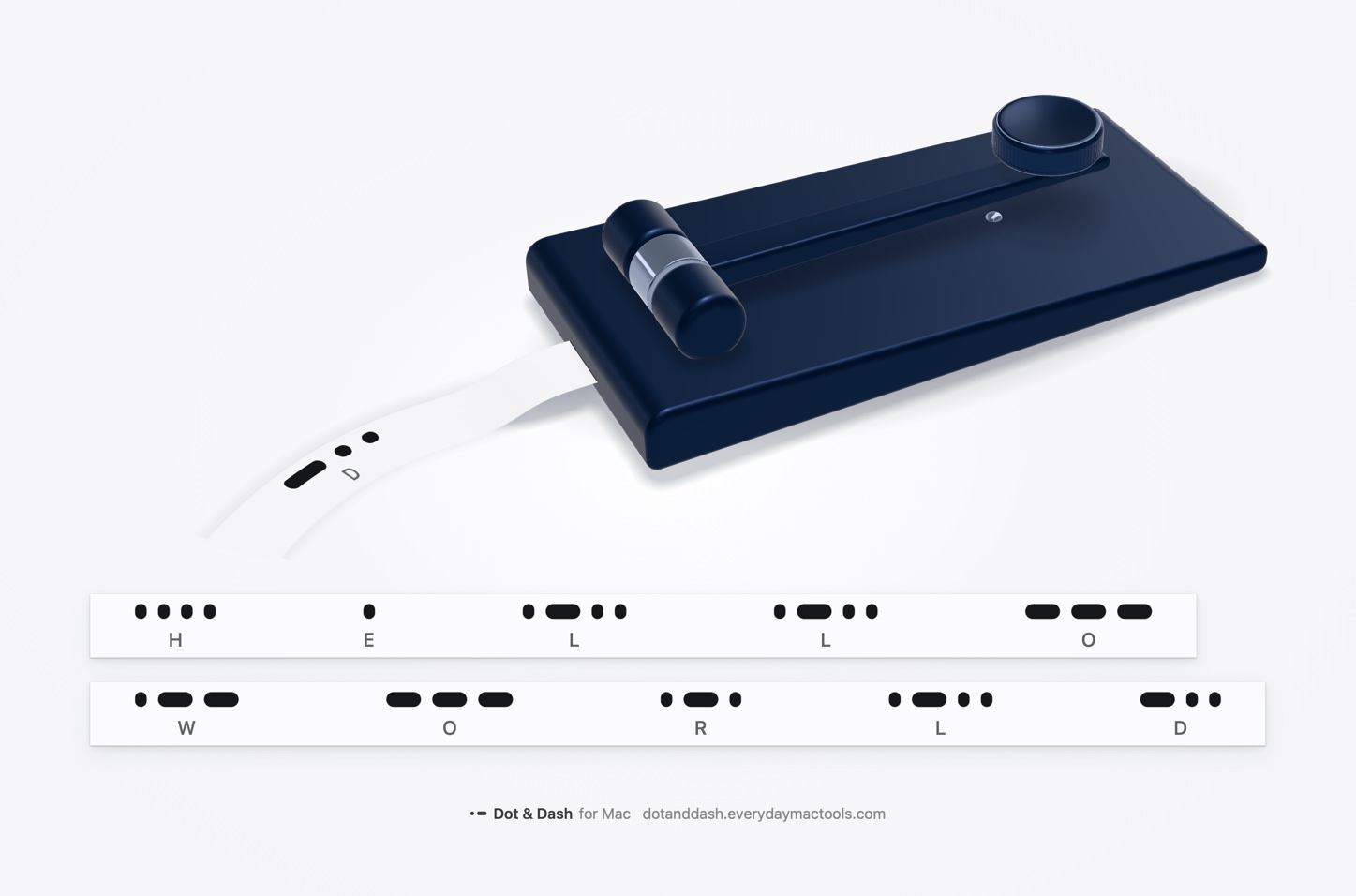
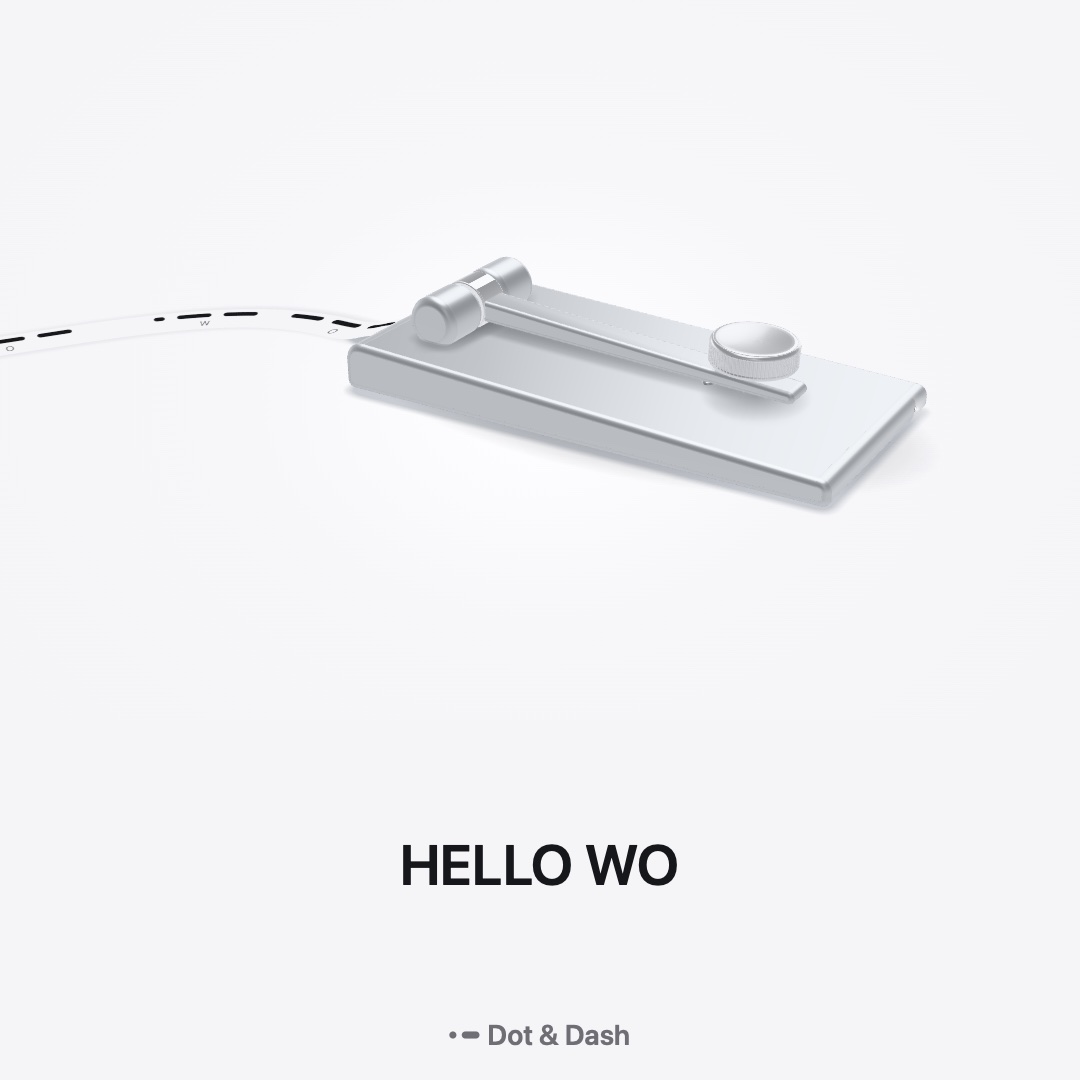
Type a message and the machine sends it: the lever moves, the tone plays and the tape prints. Or key it yourself and watch it decode as you go.

- Straight key or paddles
- Hold Space, or use two keys as paddles in iambic mode A or B. A USB key or keyer that types a key works too.
- 5 to 40 WPM
- Set the speed the machine and the paddles send at, and add Farnsworth spacing while you learn.
- The Library
- Save what you send, replay it on the machine and share it later.
Turn Morse into text, and back.
Type or paste dots and dashes and the message appears as you go. Or write the message and get its Morse, ready to copy or to play on the machine.
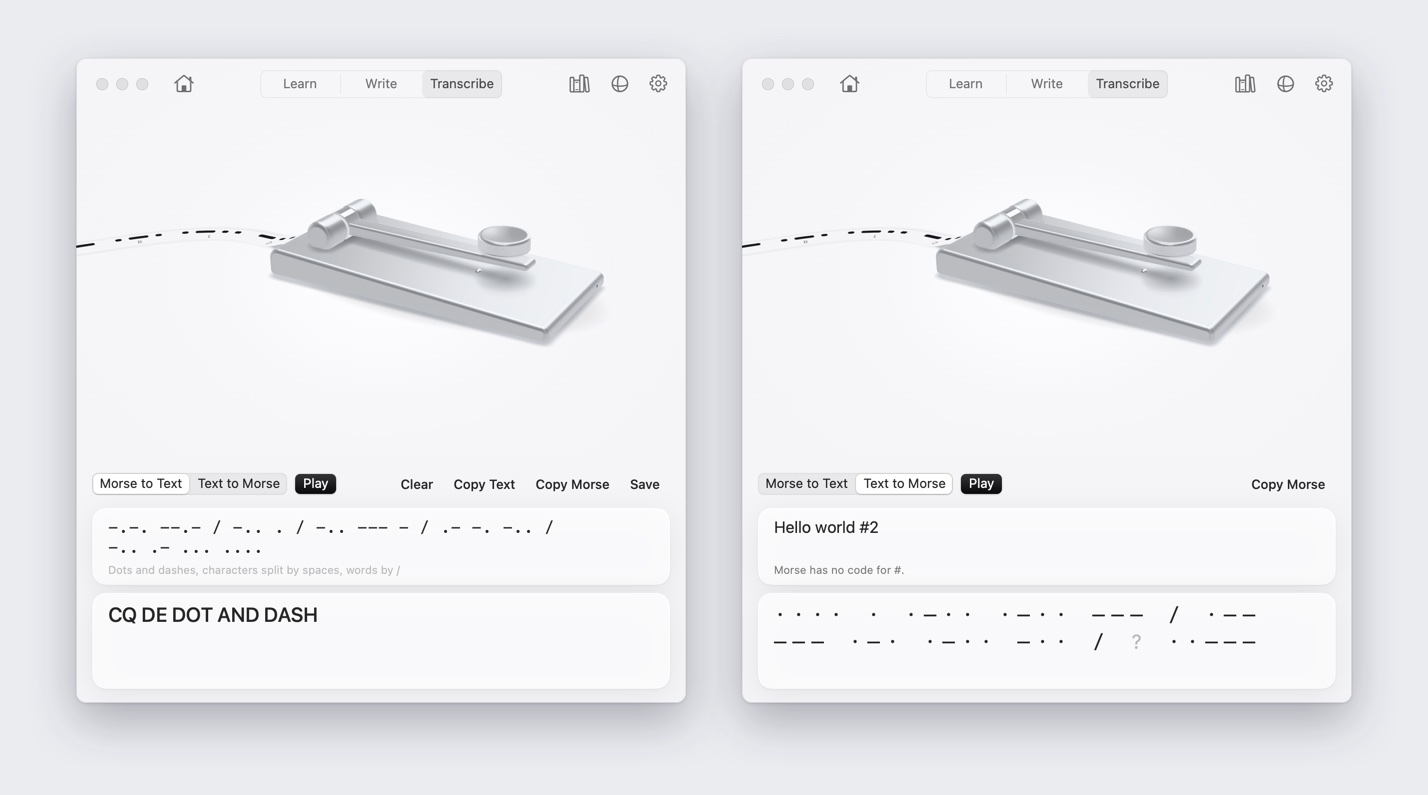
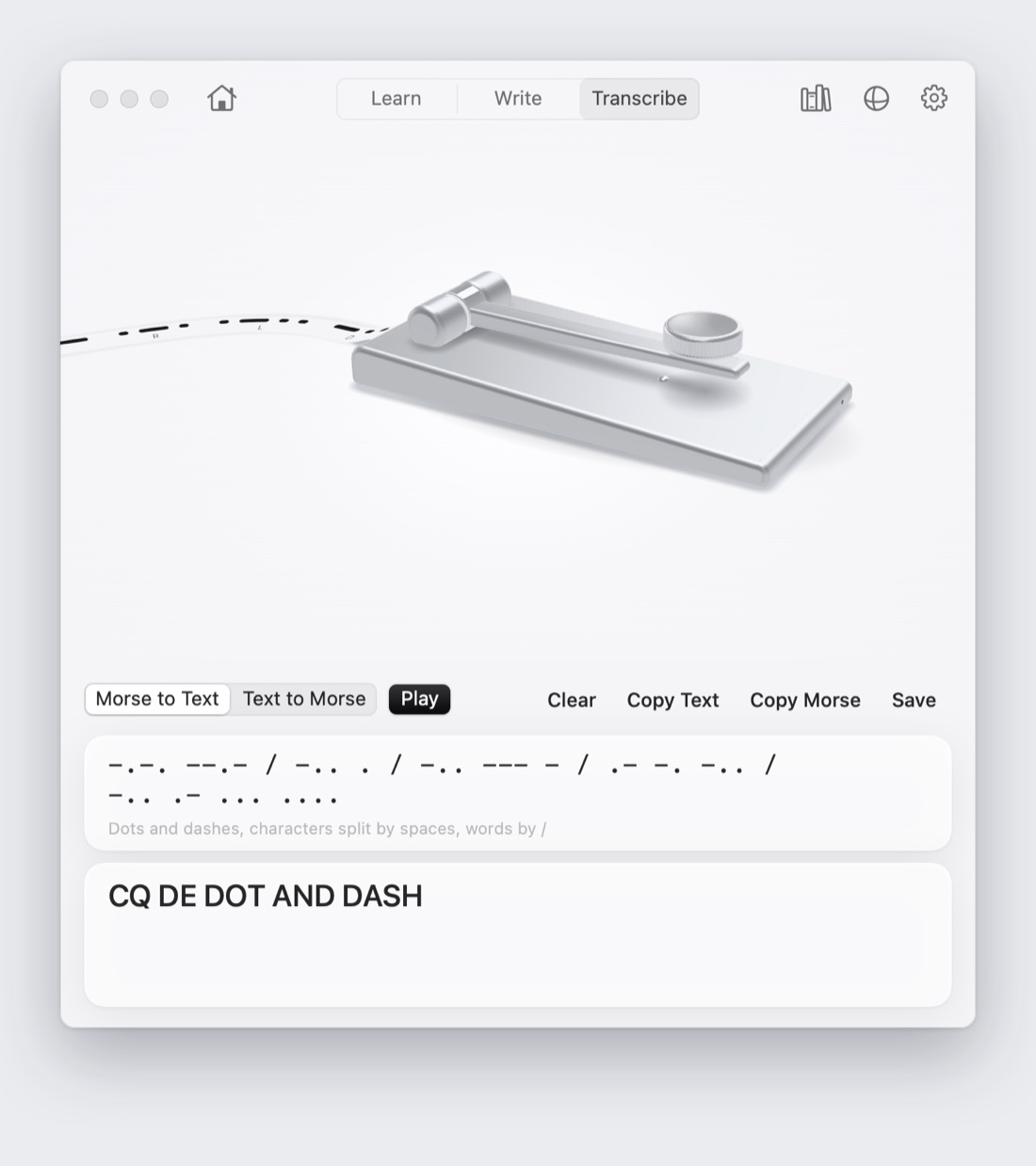
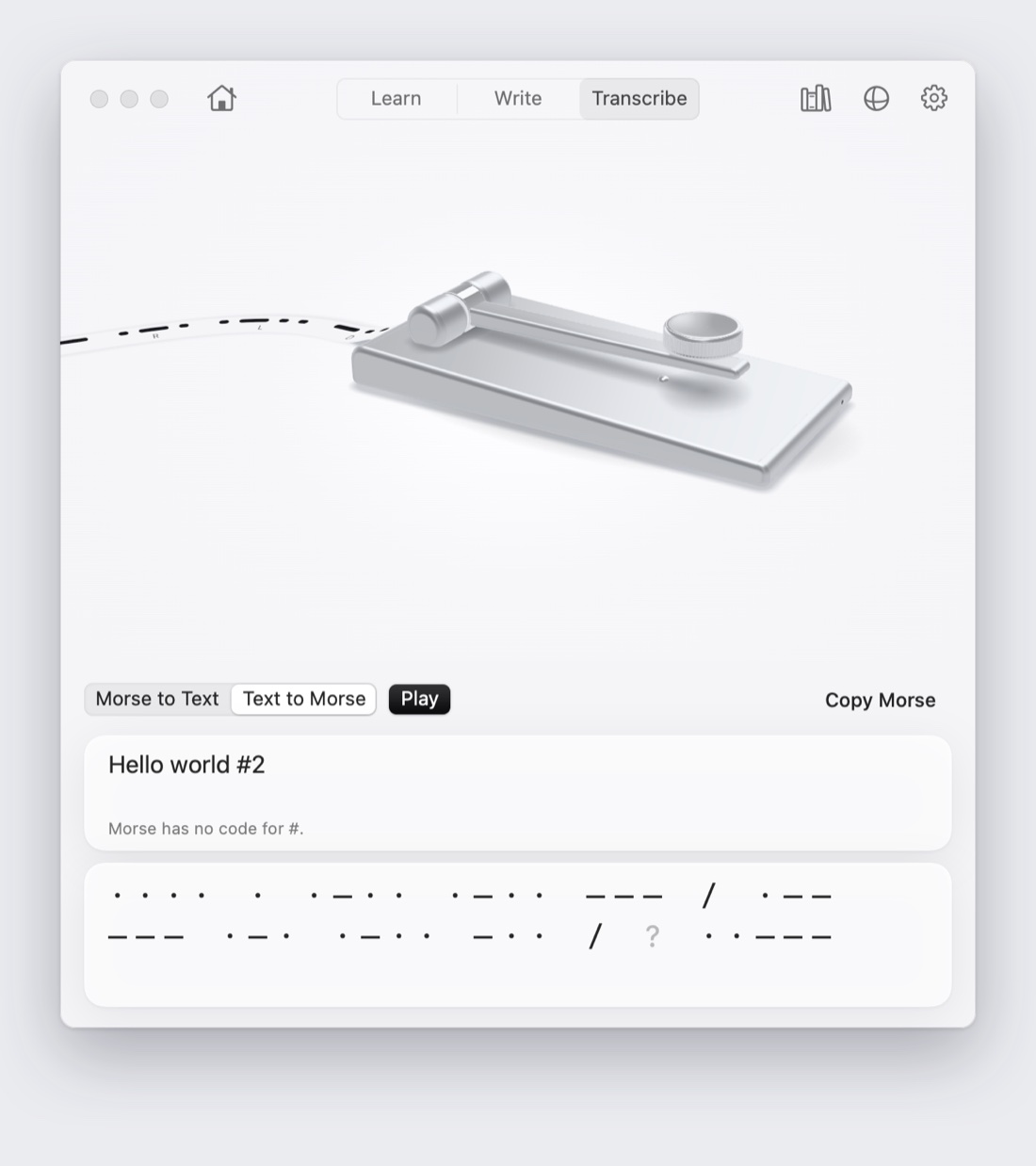
Key Morse in any app.
Switch on Type Anywhere in the menu bar, hold Right Option as your key, and what you key is typed into the app in front. A small pill under the menu bar prints the tape as you go.

Share the tape.
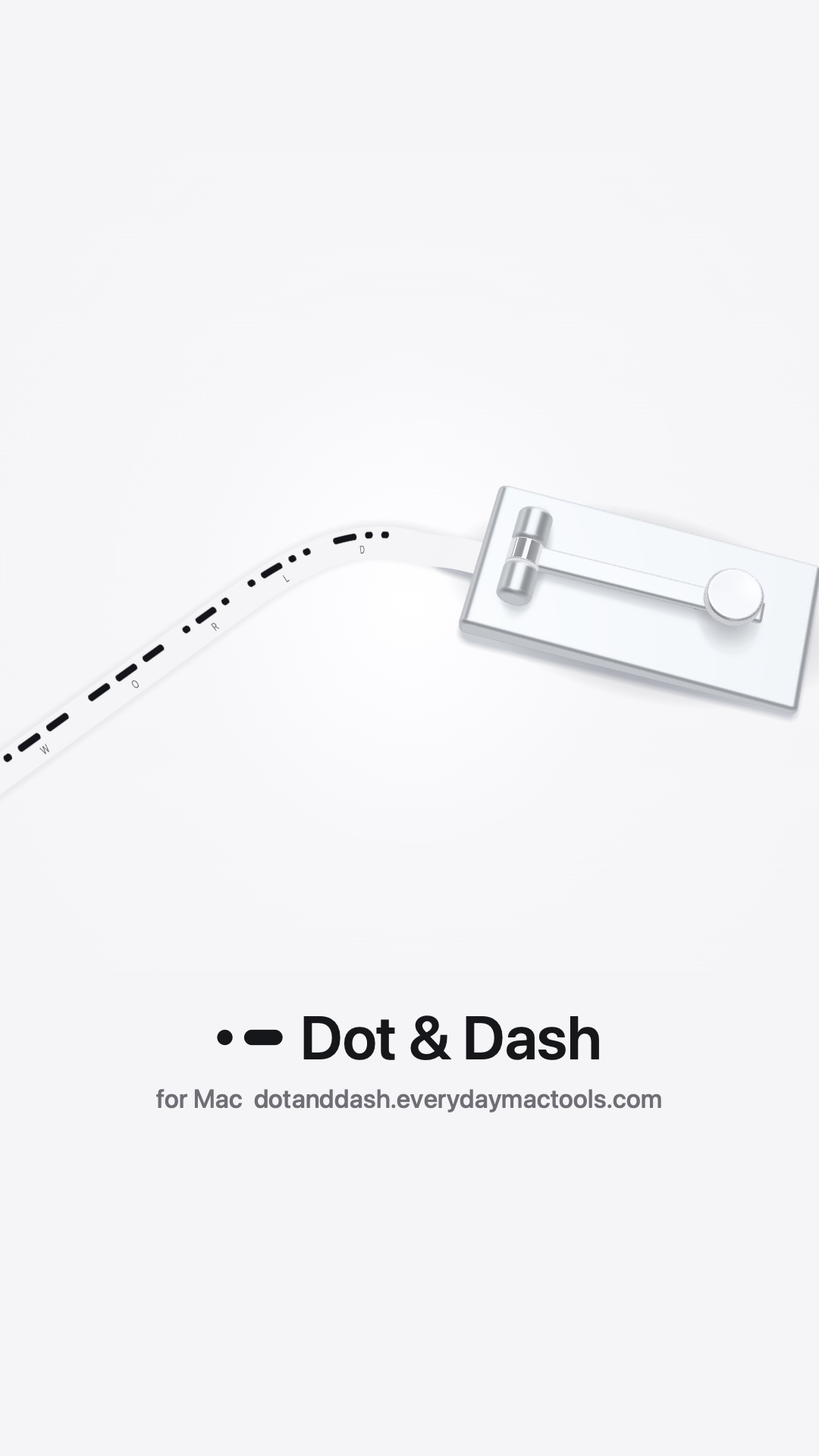
Send a message as an image of its printed tape, as audio, or as a square or vertical video of the machine printing it.
$29once
Try everything free for 24 hours. Then one licence opens it all on up to 3 Macs, with updates included.
Version 1.4.0, 5.5 MB. 7-day refunds.
- A full 24-hour trial, nothing held back
- One licence for up to 3 Macs
- Seven finishes, every lesson, every feature
- macOS 14 or later, Apple silicon and Intel
- Works offline, with no account
Questions
Do I need to know any Morse to start?
No. The welcome teaches E, one dit, and T, one dah, then has you send SOS. The course takes it from there, two or three characters a chapter.
What happens after the 24 hours?
Learn, Write, Transcribe, Type Anywhere, the Library, paddles and every finish but Silver wait for a licence. The machine, the reference and sharing the tape as an image stay free, and your progress and Library are kept.
Why does Type Anywhere ask for Accessibility?
macOS asks before any app can type into other apps. Dot & Dash asks the first time you switch Type Anywhere on, never before. It listens for your Morse key, and for when you type or click yourself so it never deletes your own words. It never records what you type, and it pauses in password fields.
Can I use a real Morse key?
Yes, if it types a keyboard key, as many USB keys and keyers do. Choose that key in Settings.
Does it need the internet?
No. Dot & Dash works offline. It goes online only to check your licence and to look for updates.